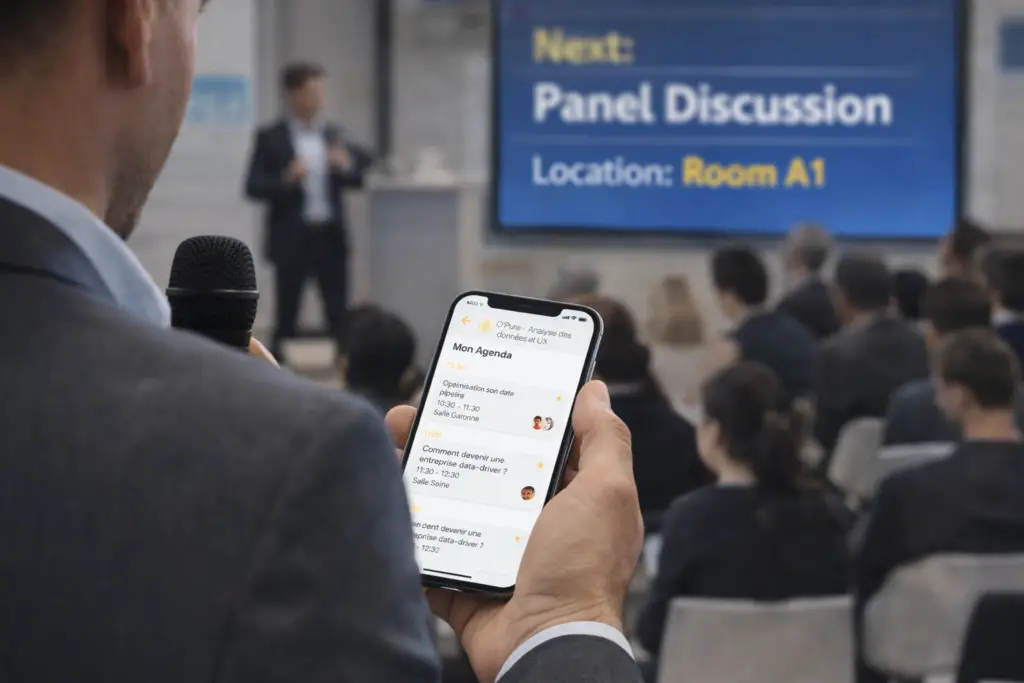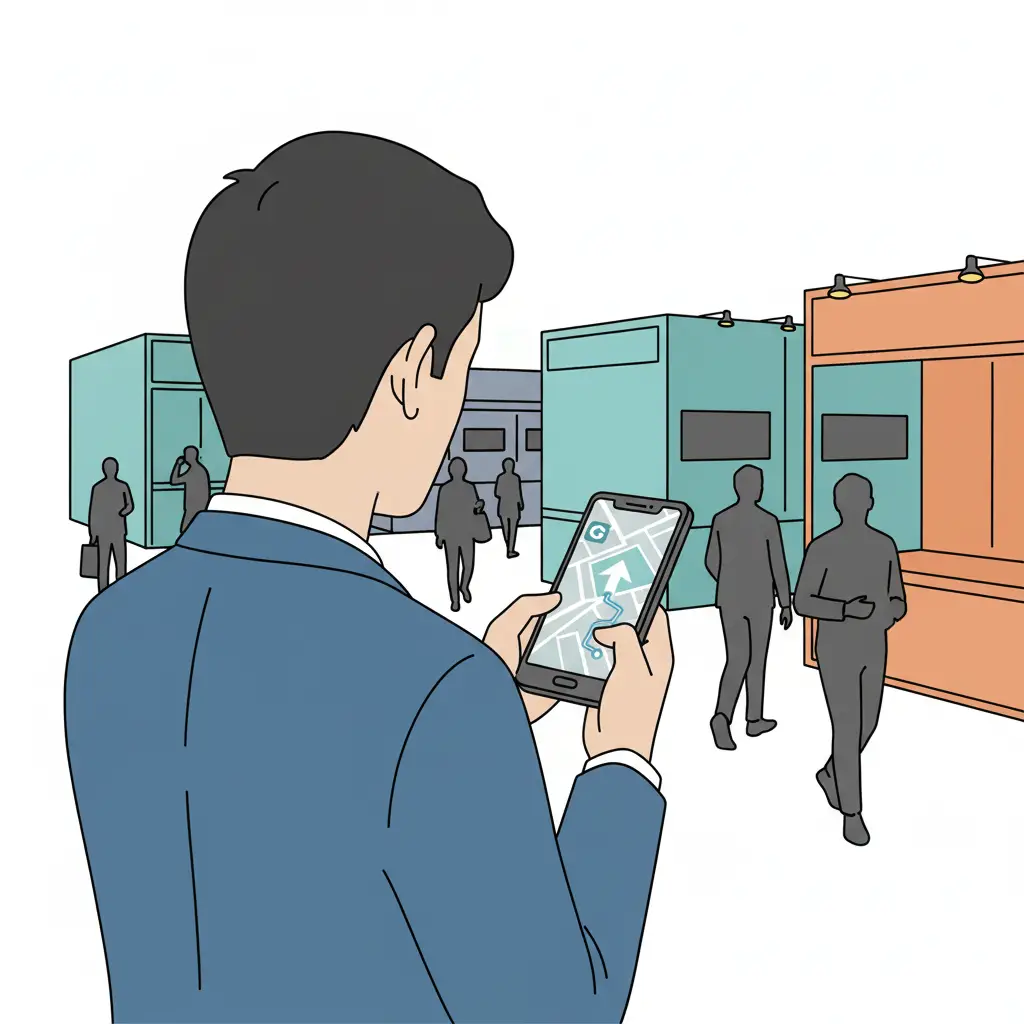
If you run events long enough, last minute event changes stop being the exception and become the rule. A speaker’s flight is delayed, a room becomes unavailable, the CEO decides to add a session, the weather ruins your outdoor plan… and all of this happens when badges are printed and attendees are already on their way.
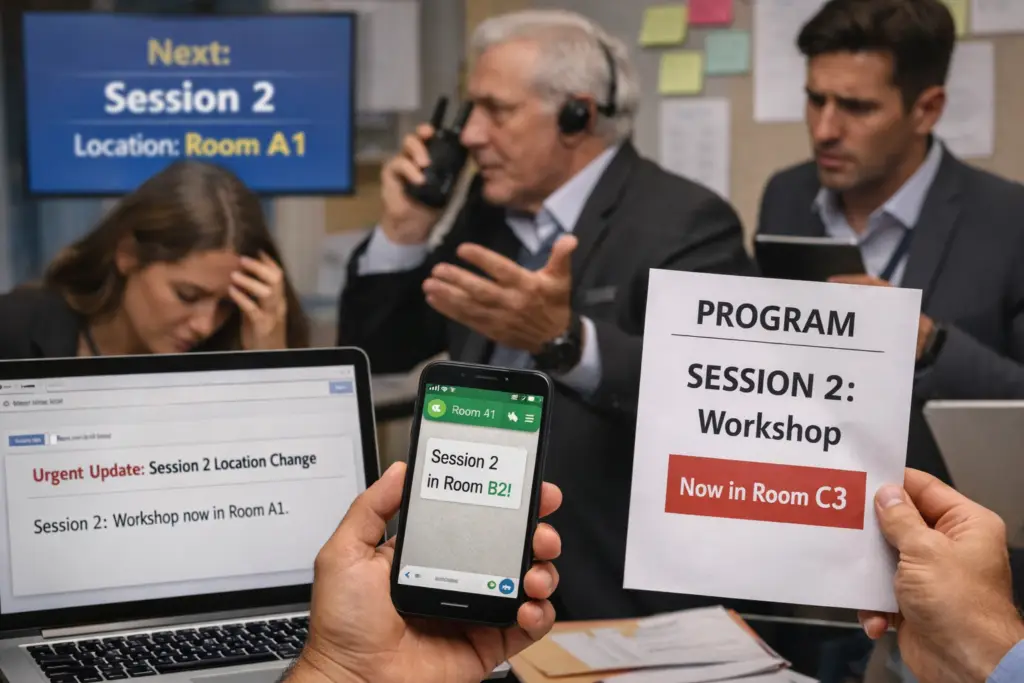
The real problem is rarely the change itself. It’s the way last minute event changes ripple through your team, your suppliers and your attendees: different versions of the schedule, people heading to the wrong room, staff getting conflicting instructions, tech and catering out of sync.
1. Why last minute event changes feel so chaotic
When something changes, most teams react by having multiple people update different channels at once. Very quickly, you have three or four conflicting versions of the event in circulation. Attendees don’t know which one to trust, and your team spends more time correcting confusion than fixing the original issue.
2. A simple framework to handle last minute event changes
Let’s turn this into a process you can actually use on site. Think in three layers:
Step 1: Classify the change
- Critical & safety-related: Fire tests, extreme weather, security alerts. These override everything.
- Schedule-critical: Room or time changes, cancelled sessions. These impact attendee movement.
- Nice-to-know: Menu tweaks, speaker order changes. Good to share after critical items are handled.
Step 2: Identify the affected groups
The goal is to avoid spamming everyone for a change that only concerns 10% of the room. Decide if it’s for all attendees, specific session registrants, internal staff, or VIPs only.
Step 3: Pick one 'source of truth'
Decide where the official version lives—a live agenda on your event website/app or a central ‘run of show’. Everything else should point back to that source.
3. Design a 'single source of truth' for your event
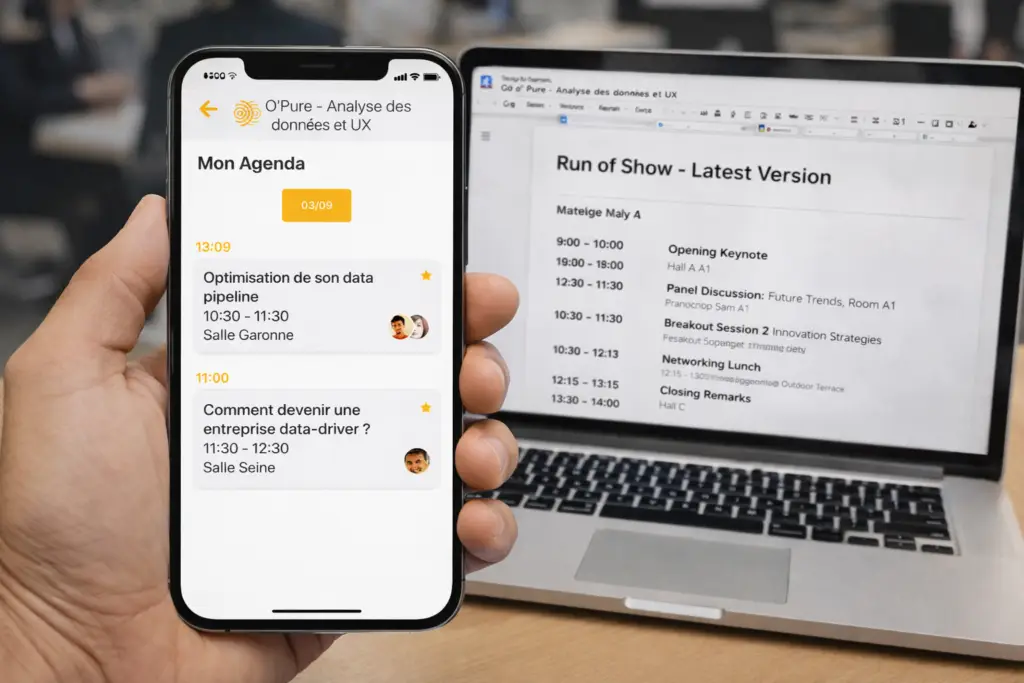
If attendees and staff know that one place always holds the latest version, changes become much less dramatic. For attendees, this is a mobile event website with an always-updated agenda. For your team, it’s one shared document that everyone accesses.
4. Communication tactics that actually work on site
Once you’ve updated the source of truth, you still need people to notice. Combine ‘pull’ (places where attendees go to check) and ‘push’ (messages that come to them like notifications or announcements).
“Critical rule: all push communication should be consistent with, and ideally link back to, your pull source.”
5. Prepare for last minute changes before they happen
You can’t predict the exact change, but you can prepare the way you handle it. Create a simple ‘change playbook’ that covers authorisation and channels, and build buffer into your schedule to absorb delays.
6. Practical examples of handling changes
Whether a speaker is stuck in traffic, a room becomes unavailable, or weather forces you indoors, the pattern is the same: classify, update source of truth, align internal teams, then communicate clearly.
7. How a simple event app can reduce chaos
A lightweight event app like conf.app gives you a single, flexible surface where changes are reflected reliably. Handled like this, changes stop being emergencies and become just another part of running a professional event.