
When you prepare an event, the website usually comes way too late in the process. First you book the venue, confirm speakers, work on budget, sort out registrations… and only then someone asks: ‘Where do we put the agenda and practical info? We should probably have a website, right?’
That’s when the compromises start: a rushed WordPress, a hidden page on the corporate site, or a PDF attached to a dozen emails. Meanwhile, attendees expect a clean, mobile-friendly event website where they can find everything in one place.
1. The reality of 'DIY' event sites
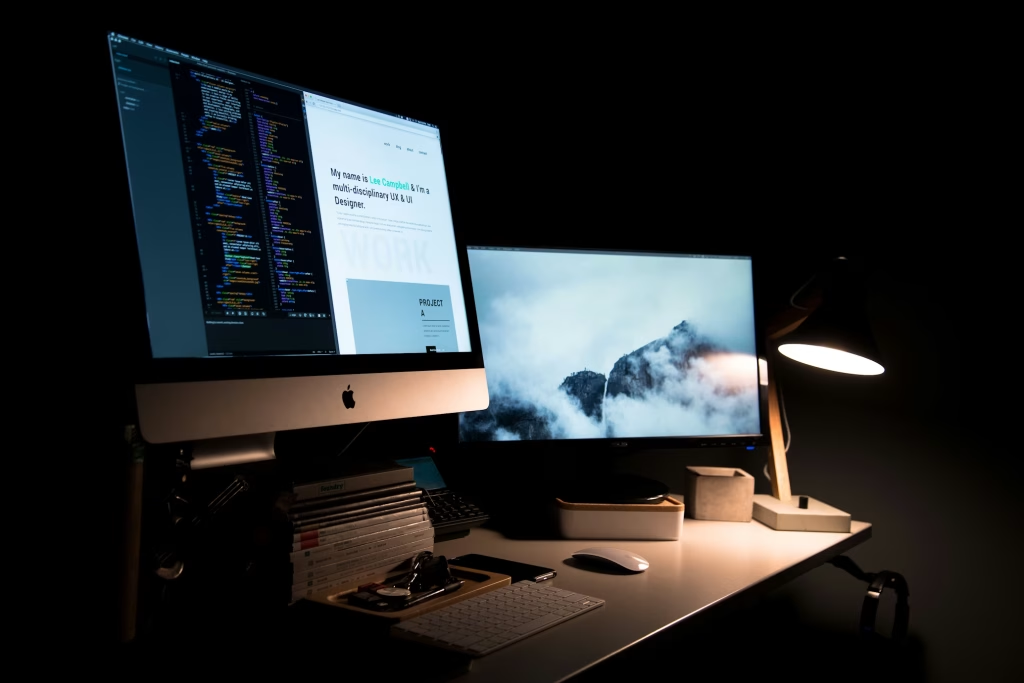
Most marketing teams end up with ’emergency setups’: wrestling with plugins, fonts, and colors until it ‘looks OK’. Or worse, burying the event inside a rigid corporate CMS. These manual patchworks often result in a confusing, amateurish experience for attendees.
2. What an event website needs to do in 2026
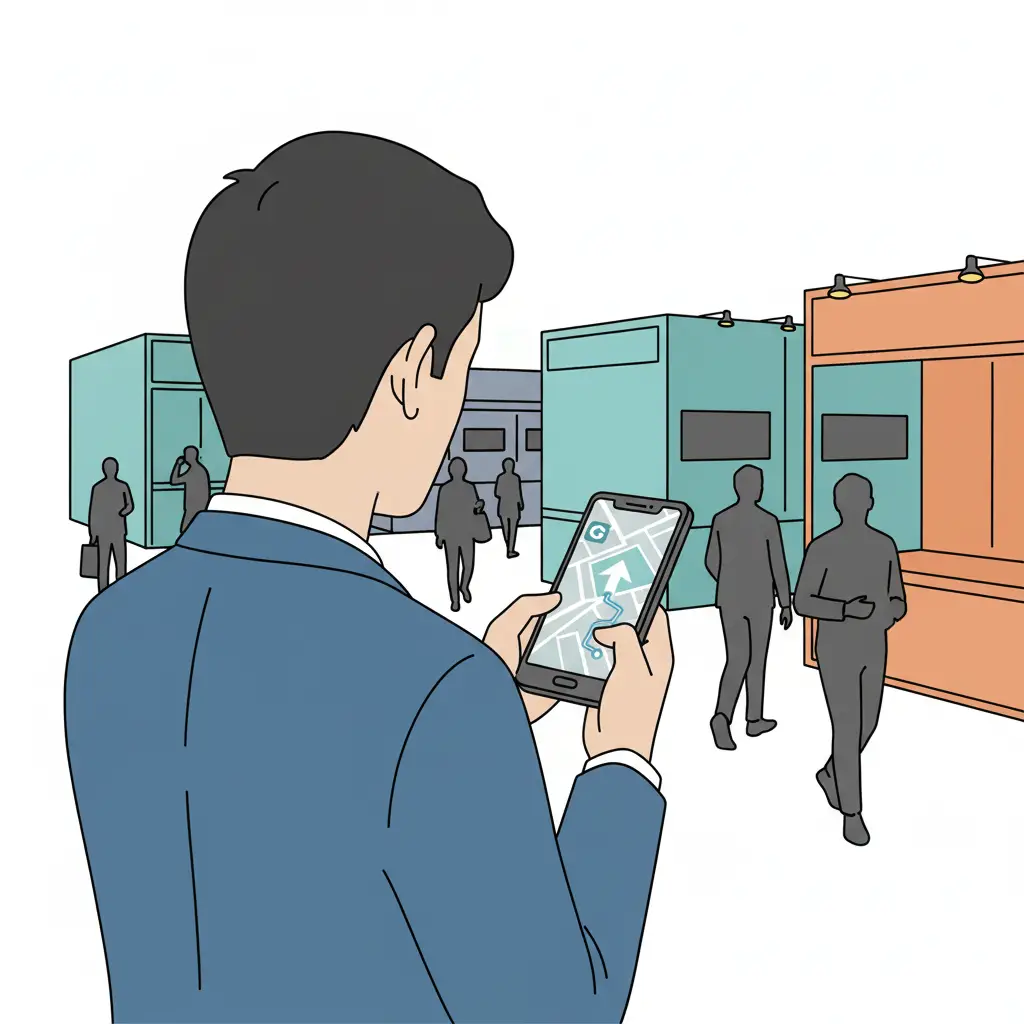
A good event website should let someone understand the event in seconds, check practical details (address, map, dress code), explore the program, and register easily. It shouldn’t be a vanity design project; it should be an operational tool that organizers can update until the last minute without a dev.
3. Two traps to avoid: Overkill platforms and manual patchworks
Don’t fall for all-in-one ‘event clouds’ that are oversized for simple seminars, nor fragile DIY stacks that require re-building and re-testing every single time. There is a third way: a specialized event website builder.
4. The focused 'event website builder'
Specialized tools like conf.app enable you to create a simple app and site for a physical event in minutes. You don’t build a ‘website’ from scratch; you configure a guided flow that automatically generates a responsive, professional layout.
5. The Minutes-to-Live Workflow
- Step 1: Essentials. Set the name, date, and venue to structure the page instantly.
- Step 2: Build the Agenda. Create sessions, tracks, and rooms. Any update is synced for everyone immediately.
- Step 3: Speakers & Partners. Add profiles and logos to build a professional storefront.
- Step 4: Configure Registration. Set up a simple entry point for your guest data.
- Step 5: Share. Use a unique link or QR code to keep everyone informed until doors open.
6. Where speed really matters
Whether it’s an internal offsite built in three weeks, a customer day with a flexible agenda, or a multi-city roadshow, speed isn’t just a promise—it’s a stress-saver. Duplicating events and tweaking details in clicks instead of days changes how you communicate.

“The question is no longer ‘is it possible?’, but ‘why not?’ Most teams only need to try a dedicated tool once to realize a solid event website doesn’t require weeks of work.”
The simplest way to find out is to test it. Pick an upcoming event, create its site, and compare the before and after experience for your team and your guests.